 |
FBReader vs Foliate
Last updated: October 21, 2023
FBReader and Foliate are two popular e-book reading applications, but they differ in terms of features, user interface, and platform availability.
1. Features: FBReader is known for its simplicity and lightweight design. It offers basic e-book reading functionalities, such as customizable font settings, day and night reading modes, and the ability to bookmark pages. FBReader supports a wide range of e-book formats, including EPUB, MOBI, and FB2. On the other hand, Foliate provides a more feature-rich experience. It offers advanced features like text-to-speech, multiple reading themes, annotation capabilities, and a distraction-free reading mode. Foliate also supports EPUB, MOBI, and other popular e-book formats, ensuring compatibility with a variety of digital publications.
2. User Interface: FBReader has a straightforward and minimalistic user interface. It focuses on providing a clean reading experience with intuitive navigation controls. FBReader allows users to customize the reading interface by adjusting font size, font style, line spacing, and margins. Foliate, on the other hand, offers a more visually appealing user interface. It provides a modern and sleek design with customizable reading themes, including different background colors, fonts, and page transitions. Foliate's user interface is optimized for readability and offers additional settings for fine-tuning the reading experience.
3. Platform Availability: FBReader is a cross-platform application available for Windows, macOS, Linux, Android, and iOS. This broad platform compatibility makes it accessible to a wide range of users across different devices. Foliate, however, is primarily designed for Linux-based operating systems like Ubuntu. It offers a native Linux application, but it can also be compiled and used on other platforms with additional steps. The platform limitation may influence the choice of software depending on the user's operating system.
1. Features: FBReader is known for its simplicity and lightweight design. It offers basic e-book reading functionalities, such as customizable font settings, day and night reading modes, and the ability to bookmark pages. FBReader supports a wide range of e-book formats, including EPUB, MOBI, and FB2. On the other hand, Foliate provides a more feature-rich experience. It offers advanced features like text-to-speech, multiple reading themes, annotation capabilities, and a distraction-free reading mode. Foliate also supports EPUB, MOBI, and other popular e-book formats, ensuring compatibility with a variety of digital publications.
2. User Interface: FBReader has a straightforward and minimalistic user interface. It focuses on providing a clean reading experience with intuitive navigation controls. FBReader allows users to customize the reading interface by adjusting font size, font style, line spacing, and margins. Foliate, on the other hand, offers a more visually appealing user interface. It provides a modern and sleek design with customizable reading themes, including different background colors, fonts, and page transitions. Foliate's user interface is optimized for readability and offers additional settings for fine-tuning the reading experience.
3. Platform Availability: FBReader is a cross-platform application available for Windows, macOS, Linux, Android, and iOS. This broad platform compatibility makes it accessible to a wide range of users across different devices. Foliate, however, is primarily designed for Linux-based operating systems like Ubuntu. It offers a native Linux application, but it can also be compiled and used on other platforms with additional steps. The platform limitation may influence the choice of software depending on the user's operating system.
44
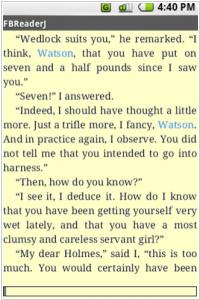
FBReader is an free eBook reader that supports numerous file formats like ePub, fb2, plucker, HTML, plain text, doc and more. You can also add multiple books at once in an archived format (tar, zip, gzip, bzip2). It supports embedded images, footnotes, hyperlinks, text search and full screen reading. It also has automatic bookmarking so that you don’t lose your place when closing a book.
20
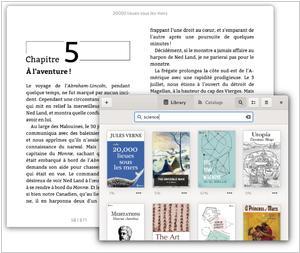
A simple and modern eBook viewer for Linux desktops. Beautiful Pages. Supports EPUB, Mobipocket, Kindle, FictionBook, and comic book archive formats. Single-column, two-column, or continuous scrolling layouts
FBReader vs Foliate in our news:
2024. FBReader for Android improves ePub support
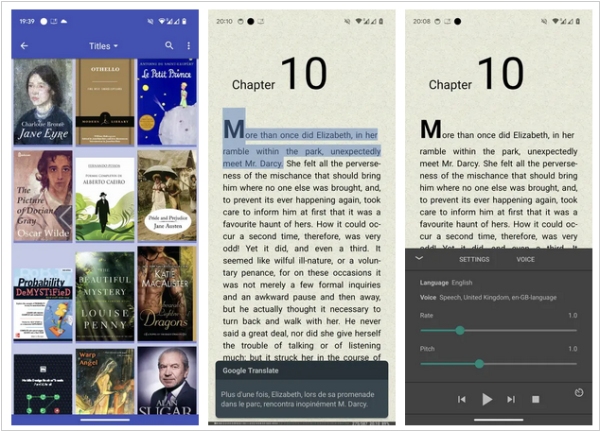
The new version of the popular reading app FBReader for Android 4.0 brings a significant change to the reader core. The developers have replaced the obsolete zip archive support with the modern libzip library. That means some ePub (and other zip files) that were not openable by FBReader will work now. On the other hand, any change in the core is potentially dangerous. Please report if you found some crashes or slowdowns with this release. Other new features include new appearance option: “Neglect screen notches”. It is helpful for devices with a wrongly detected notch, e.g., if the front camera is hidden under the screen. The app stores the correct reading per cent now. Reading progress will be shown correctly in the library. However, you have to open a book with the wrong indicator to fix it. The footer is visible over the reading-aloud panel. You can optionally switch to the old behaviour.
2022. FBReader starts a new cycle of Android updates
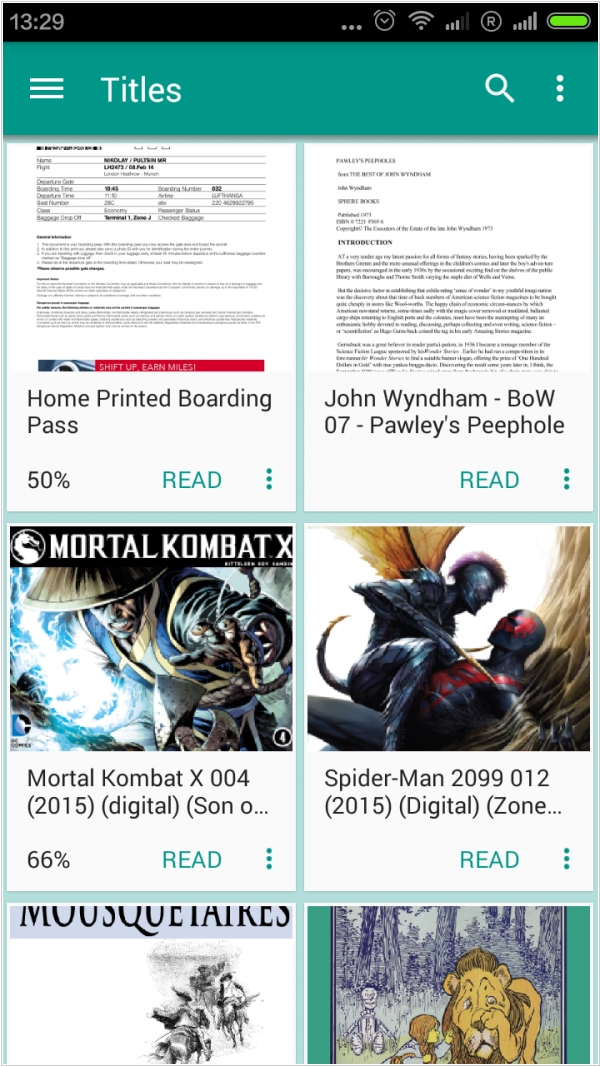
FBReader has recently launched its first Android update since April 2021, introducing version 3.1 and commencing a new cycle of Android enhancements. This release incorporates several notable features. FBReader now has permission to access the filesystem on devices running Android 11 and higher. Additionally, the Premium Edition has restored access to all TTS (Text-to-Speech) engines. The update also implements support for new bookmark styles introduced via the desktop version, although it is not possible to add or remove styles on a mobile device. Furthermore, buttons are now visible in all dialogues, and the broken Yandex Translator has been replaced with DeepL. Finally, the issue of incompatible cache has been resolved, eliminating the need to reopen the current book.
2022. FBReader for Mac is out
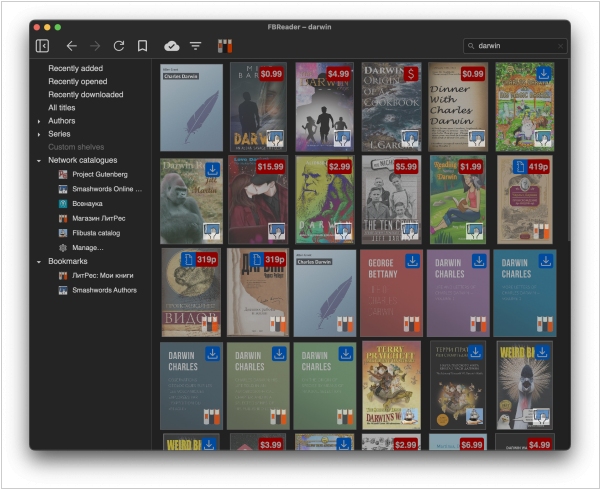
Popular ebook reader FBReader 2.0 for Mac can now be found on the Mac App Store, expanding its availability to three major desktop operating systems: Mac OS, Windows, and Linux. The reading mode and library view, including cloud sync, are mostly complete. FBReader supports a wide range of book formats, such as ePub, fb2, fb2.zip, mobi, rtf, MS doc, plain text, and cbz. The rendering engine is equipped with CSS styles, hyperlinks, hyphenation, page headers and footers, text selection, page turning, and text scrolling in two-column mode. Additional features include a table of contents, bookmarks, language selection, advanced text navigation, and a dark theme. Furthermore, FBReader offers a multi-book (multi-window) mode.
2022. FBReader comes back to Windows
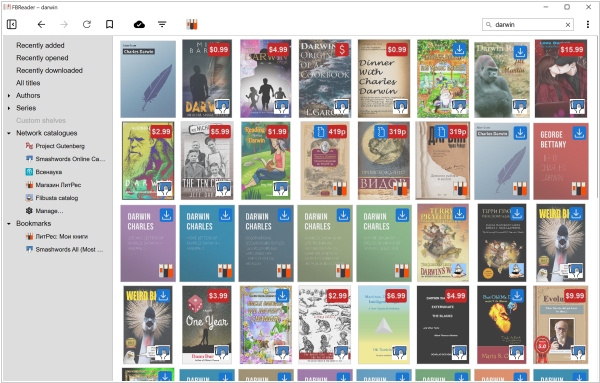
After an eight-year hiatus, FBReader makes its return to Windows. The latest release, FBReader 2.0, incorporates most of the features found in the iOS and Android versions, with a specific focus on desktops and laptops. The app is compatible with Windows 10 (build 17763 and higher) as well as Windows 11. Currently, FBReader is exclusively available for the Intel 64-bit architecture, but it can also function on Windows 11 Arm64 through emulation. Unfortunately, the app does not support Windows 10 Arm. FBReader 2.0 introduces a revamped interface, offering both light and dark themes. Additionally, it includes Ukrainian interface localization. The new render-engine utilizes CSS-defined colors, which can be disabled through the preferences settings. Users can find bookmark style options within the preferences dialogue. Furthermore, there is a new feature that allows the toolbar to be hidden in fullscreen mode. In the dark mode, the app automatically decreases the brightness of images. The developers have also added an "Import multiple files" menu item in the library window.
2017. FBReader adds iOS app
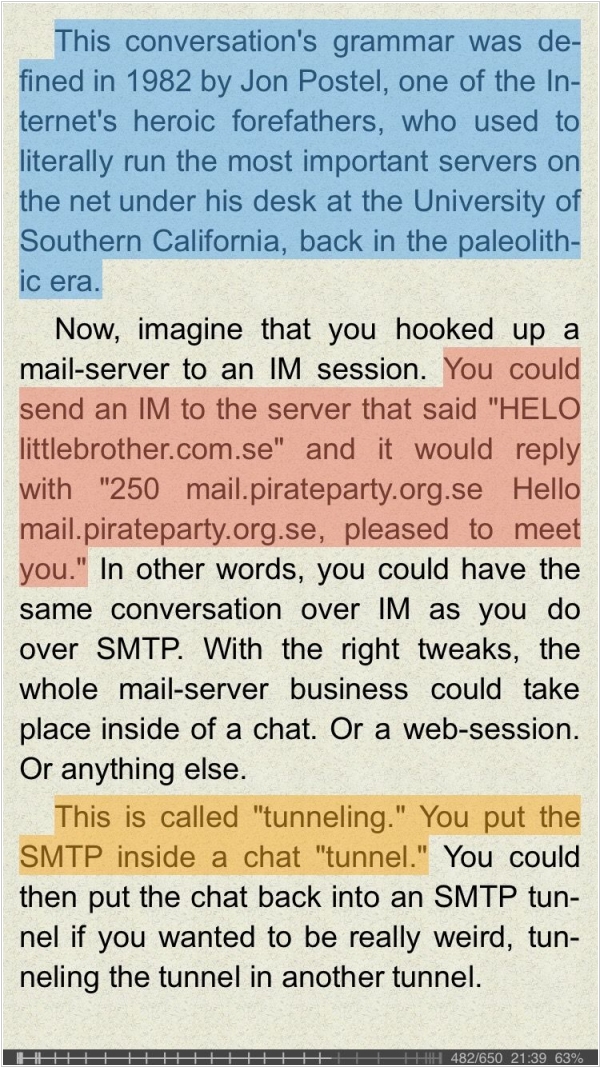
FBReader, a highly popular ebook reader available for Android and desktop, has recently launched its app for iPhone and iPad. The iOS version of the app utilizes the same engine as the FBReader app on other platforms and offers support for the same range of text formats. The primary supported formats include ePub, fb2 (including fb2.zip), and mobi (also known as Kindle azw3). Additionally, the reader is capable of opening HTML, RTF, MS Word documents (*.doc), and plain text files. However, it currently does not support "non-text formats" such as PDF, DjVu, and comics. The free version of FBReader for iOS does come with certain limitations, such as a maximum library size of ten books and disabled online translators. To access the full range of features, users have the option to upgrade to the paid version for a fee.